

NAS
QNAP & Synology NAS Support
Secure and back up your files with Internxt Drive and QNAP
NAS cloud backup for QNAP & Synology
Secure transfers
Encrypted syncing and backups
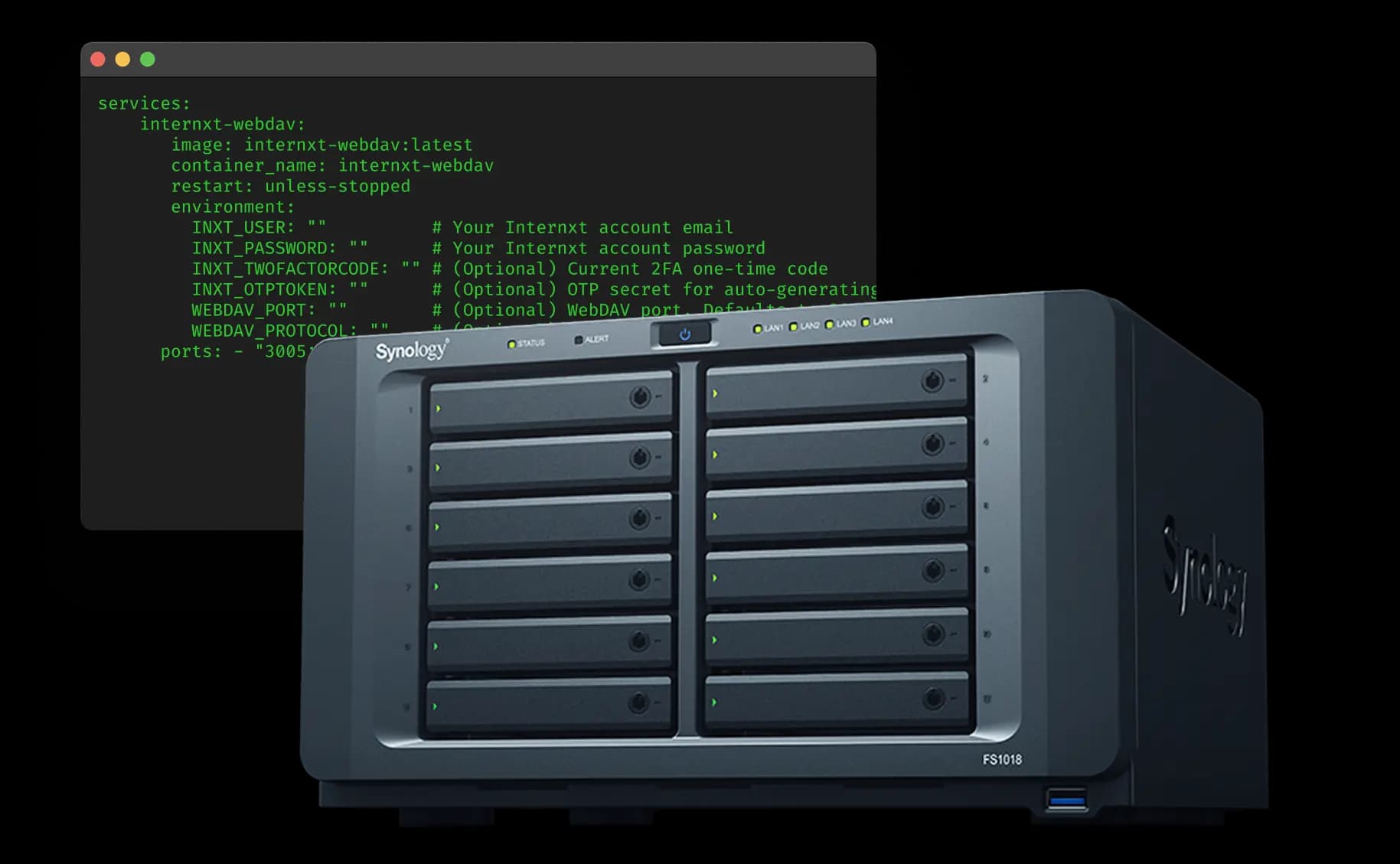
What is a NAS device, and why should I use it?
NAS cloud backup is an encrypted cloud storage solution that copies your data on your device and in the cloud to protect files against hardware failure, theft, or local disasters.
Internxt connects to your Synology or QNAP device through a Docker container, so backups leaving the network are already encrypted with AES-256 and Kyber-512 post-quantum cryptography with a zero-knowledge architecture.
While QNAP and Synology NAS are effective for storing data, they can still be affected by risks, including hardware malfunctions, accidental loss, ransomware, and environmental events. Using cloud backup helps safeguard your data and makes recovery possible at any time.
Internxt NAS integrations
Internxt installs on your NAS through a Docker container via our open-source CLI that connects your system to your account and creates a secure backup destination for your files. This exposes a mount point inside Synology DSM 7+ or QNAP DSM 7+ and sets up Hyper Backup, or HBS3, as a backup destination. Your data is encrypted before upload, so only encrypted files are sent to our European data centers.
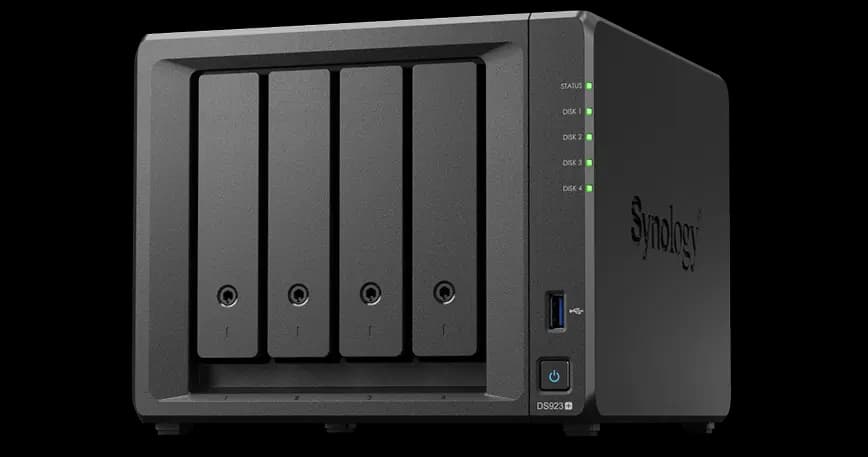
Synology
Synology is a popular brand of NAS for cloud backups that provides an easy-to-use system for managing, backing up, syncing, and sharing data. Synology NAS devices provide a secure, centralized system for storing and managing all your files in one place. Connecting your Synology device to the Internxt Drive encrypted cloud ensures all data is encrypted directly on your device, and only your Synology NAS can decrypt your files. Internxt can never view or access your files. You own the encryption keys.
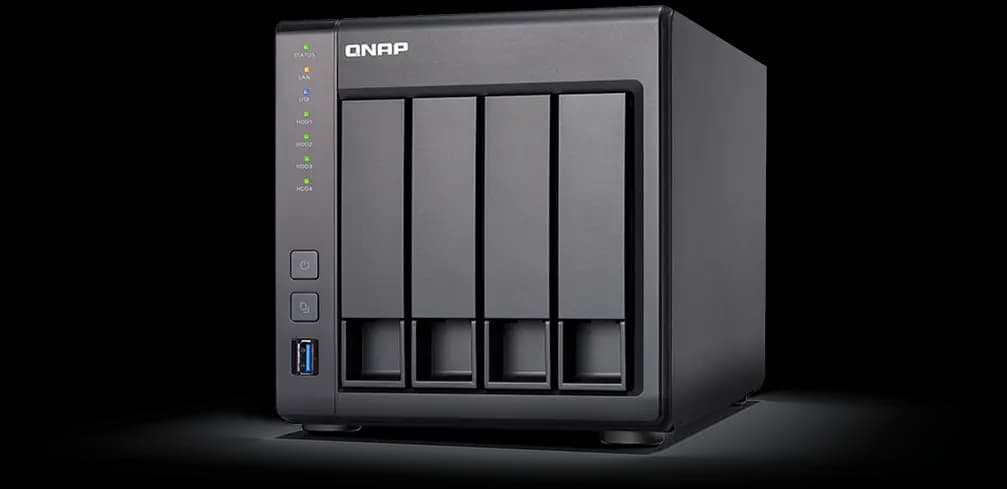
QNAP
QNAP NAS is a secure and easy-to-use system for centralized file storage, backups, and data sharing across devices. It has more advanced controls, making it better suited for users who want greater flexibility, customization, and control over their storage and NAS cloud backup. QNAP NAS backups offer the same encryption and security, so your files are protected with Internxt's post-quantum and zero-knowledge encryption, and your NAS is the only device that holds the keys to decrypt your data.
Select your plan
Premium customer support
30-day money-back guarantee
Open source and audited
Select your plan
Premium customer support
30-day money-back guarantee
Open source and audited
NAS backup solution
A reliable cloud backup solution like Internxt Drive is an essential strategy to protect your NAS data. Internxt offers QNAP Hyper Backup and QNAP Cloud Sync integration to ensure your files remain secure, accessible, and recoverable at all times.
Backup your NAS in the cloud
NAS cloud backup sends your NAS data to encrypted off-site storage where files survive hardware failure, theft, ransomware, or accidental deletion. Internxt's NAS support runs alongside your existing Synology Hyper Backup or QNAP HBS3 workflow. Every upload is encrypted on your device with Kyber-512 and AES-256 before it leaves the network, and your encryption keys never leave your hardware. Explore more about cloud storage backup solutions at internxt.com/cloud-storage-backup-solutions.
What Internxt offers with NAS devices
Internxt offers NAS support for QNAP and Synology to upload, sync, share, and backup your files in the cloud to protect files against data loss and ransomware.
Synology & QNAP
Synology and QNAP integration runs through the Internxt CLI Docker image. On QNAP DSM 7+, the container appears as a Hyper Backup destination. This integration simplifies backups while keeping full control of your existing workflow, and adding secure cloud storage from Internxt's Kyber-512 and AES-256 zero-knowledge encryption.
Access from any device
Encrypted remote access lets you securely access the same cloud files from any device with Internxt installed. Apps for web, Windows, macOS, Linux, iOS, and Android all decrypt your files locally using your own key, so only you can see your data. This keeps everything in one secure place for your NAS, computer, or phone.
Ransomware protection
Ransomware recovery on a NAS depends on whether backups are accessible to the attacker. Internxt prevents this by keeping cloud backups encrypted with keys stored on your device, not on the NAS or in the cloud. Even if a QNAP device is compromised, attackers can only encrypt local data, while cloud backups remain protected and inaccessible. Versioned snapshots also allow recovery of clean file versions before infection.
How to set up your NAS backup with Internxt
Setting up Internxt with a Synology or QNAP NAS in three steps using our detailed tutorials from our open-source GitHub to guide you through each step. Discover more about our open-source cloud storage at internxt.com/open-source.
1
ReadMeThe ReadMe covers how to connect your NAS device to the Docker app to allow you to get started with Internxt Drive and NAS QNAP with the Docker run command, required ports, volume mounts, and other additional security controls.
2
User guideOn QNAP, install Docker (or Container Manager on DSM 7.2+), pull the Internxt image, configure environment variables for your account, and add the mount as a Hyper Backup destination. You can find more detailed instructions in our help center.
3
Open sourceThe Internxt CLI repository at github.com/internxt/cli holds every client file the Docker container runs and release notes for each release. Internxt's open source cloud storage and all its products are open source and transparent, and encryption or key handling security can be verified from our publicly available codebase.
QNAP NAS cloud backup
Manage your QNAP NAS with Internxt Drive
Questions? We have answers
A NAS can act as cloud storage for devices on your local network — it stores files centrally and serves them over the LAN. For off-site access and protection against fire, theft, or hardware failure, you also need an encrypted cloud copy. The 3-2-1 backup rule treats the NAS as the on-premises copy and the cloud as the off-site copy.
A NAS and cloud storage are complementary, not competitors. A NAS gives you fast local access, full control, and no monthly fees. Cloud storage gives you off-site protection, geographic redundancy, and access from anywhere. The 3-2-1 backup rule uses both: three copies of every file, two media types, one off-site. Internxt is the encrypted off-site copy for Synology and QNAP setups.
A NAS is a single point of failure for the data on its drives. Hardware failures, fires, theft, and ransomware that compromises the NAS endpoint can all destroy local copies. A NAS also lacks geographic redundancy: if the building goes down, so does the data. Pairing a NAS with encrypted cloud backup closes both gaps and satisfies the 3-2-1 backup rule.
Yes. Internxt's NAS support runs as a Docker container on Synology DSM 7+ and QNAP QTS 5+. The container exposes a mount that Hyper Backup, Cloud Sync, or HBS3 can target as a backup destination. Files are encrypted on the NAS with Kyber-512 and AES-256 before upload, and the encryption keys never leave your hardware.
NAS cloud backup runs in three steps: install the Internxt CLI Docker container on Synology DSM 7+ or QNAP QTS 5+, mount a NAS volume to the container, and point Hyper Backup, Cloud Sync, or HBS3 at the mounted destination. Files encrypt on the NAS with Kyber-512 and AES-256 before upload, and incremental snapshots run on the schedule your NAS tool enforces.
Download Internxt
Get seamless file management and secure cloud storage on the go with the Internxt mobile app for iOS or Android.


Newsletter
Want to hear from us when we launch new products or release a new update? Type your mail address and we’ll do the rest!
Get an exclusive discount!
Special offer: store files in privacy for less.
30-day money-back guarantee
Get an exclusive discount!
Special offer: store files in privacy for less.
30-day money-back guarantee